
Installation
How to Set Up Kemo IPTV on Any Device
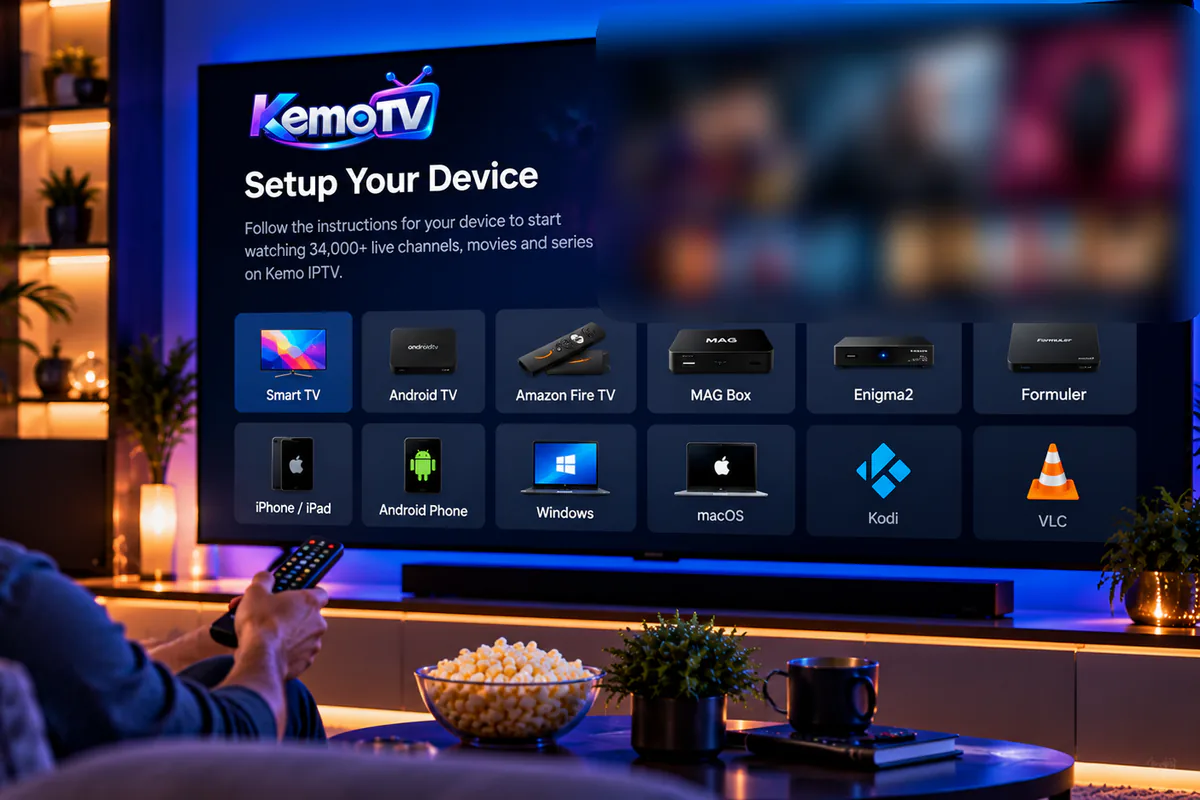
Setting up Kemo IPTV takes 5–10 minutes. Choose your device below for a step-by-step guide with the recommended apps, clear instructions anyone can follow, and troubleshooting tips.
Before you start
You need a Kemo IPTV login. Request a free 24-hour trial or choose a plan — we send your details by email and WhatsApp. Depending on your app, you'll use one of three login types:
- Xtream Codes API — a username, password and server URL. Used by most modern apps (TiviMate, IPTV Smarters, IPTVX).
- M3U playlist link — a single URL containing your login. Used by VLC, SET IPTV, SS IPTV and older apps.
- MAC / portal — for MAG boxes, Formuler portals and IBO Player. You send us your device's MAC address and we activate it.
Need a hand?
Our team can walk you through any setup on WhatsApp (+44366984809) or Telegram (@iptv_support_center), 24/7. Just tell us your device and what you see on screen.
Get your login and start watching
Test every channel, movie and sports category on your own device. No payment details, no contract — and if you love it, plans start from $5.75 a month.